

Purchase On-Line Gift Cards.
Please scroll down and read instuctions first.
Purchase On-Line Gift Cards
Please follow these steps to purchase a on-line gift card.
Following these instructions will make it go smoothly for you.
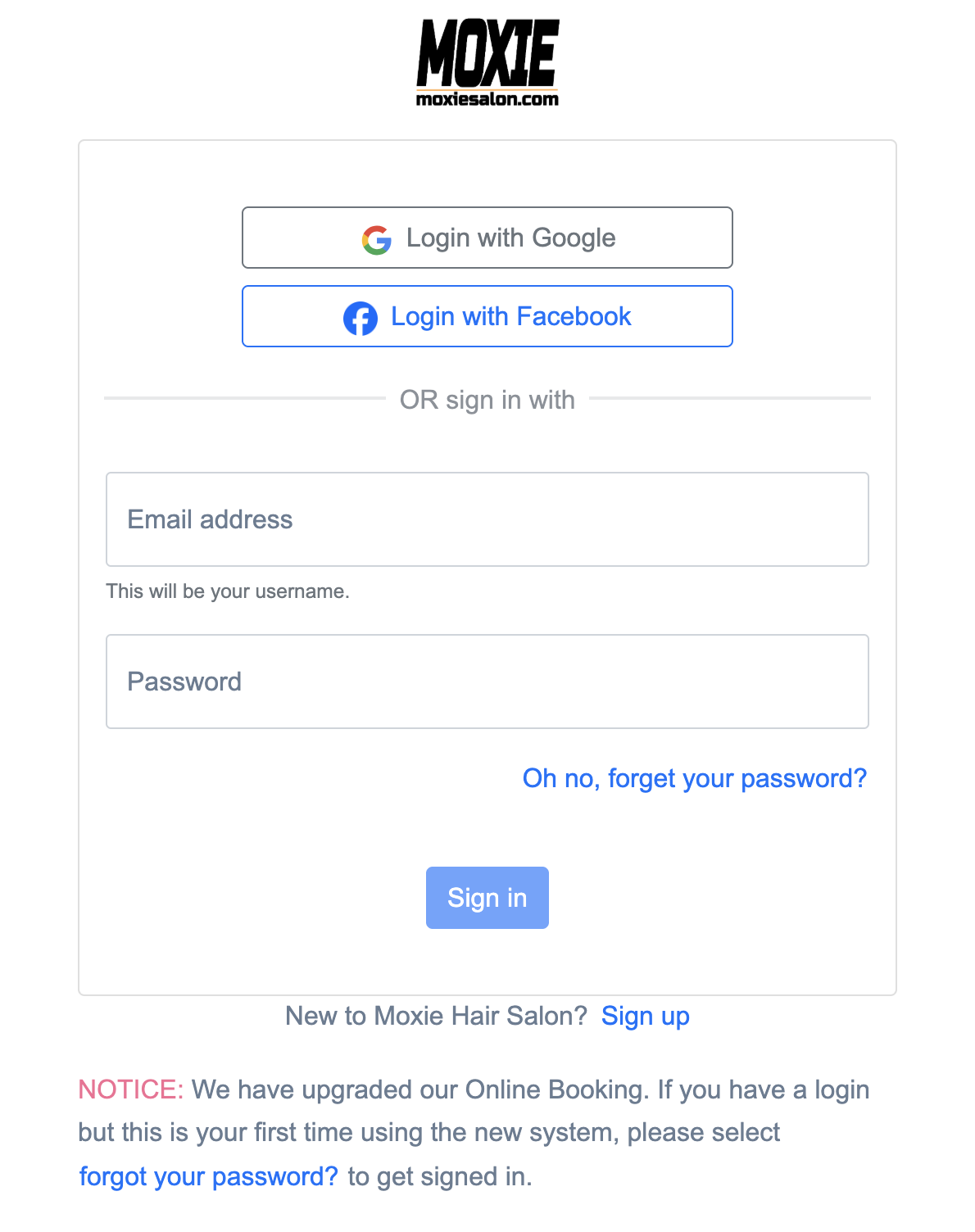
If you already have a Moxie Hair Salon account click the link to log in.
To go to “Log in” click then link below and then click “the person icon” in top right hand cornor
2. Log into your Moxie Hair Salon account. If you do not have one, Dont worry at the bottom of log in click the blue link that say “Sign Up”
3. You will be brought to your dashboard. From here you can make appointments and see your purchases. etc.
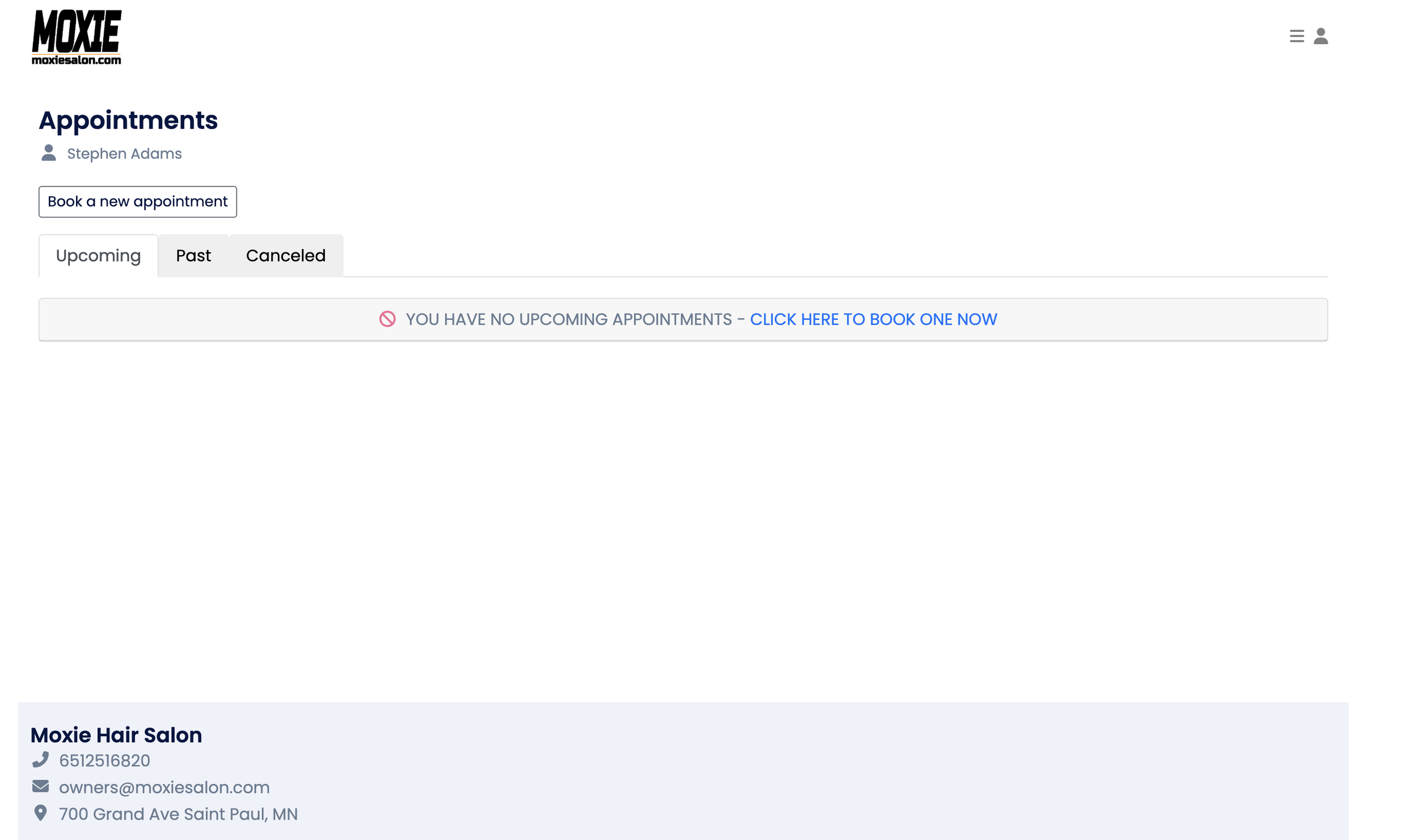
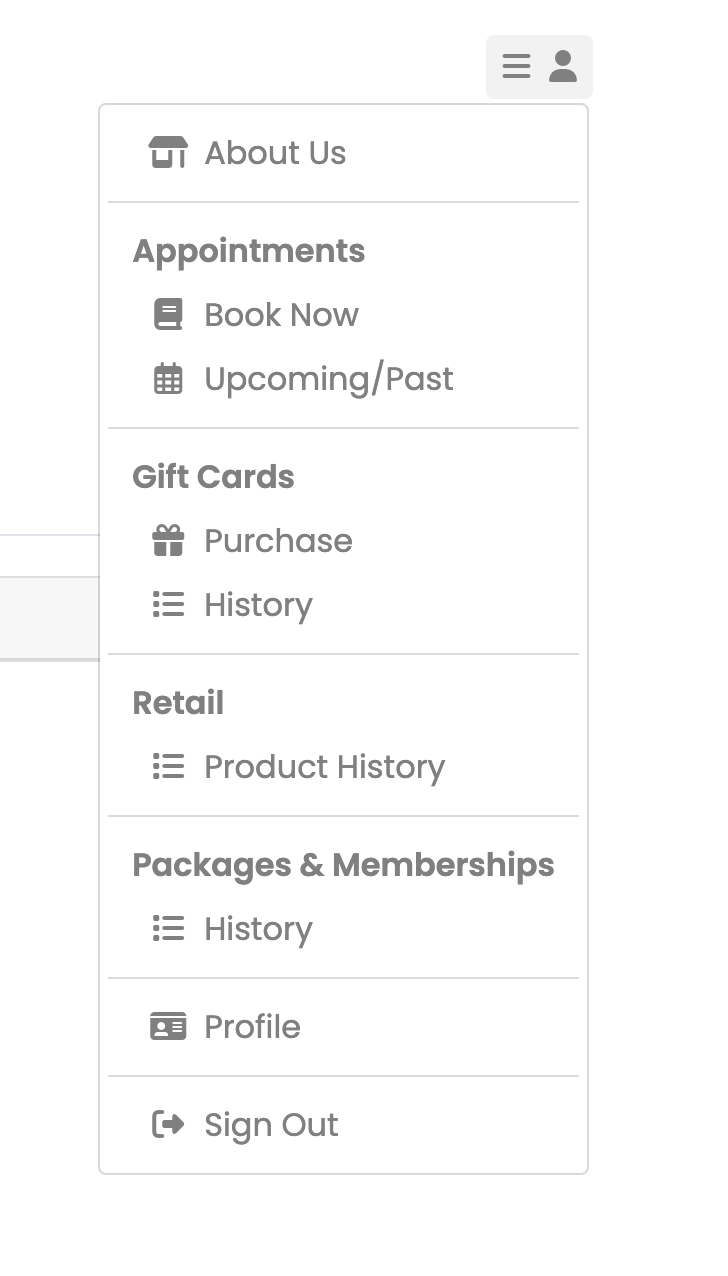
4. Click on the person icon on top right side next to the Hamburger (3 lines) Menu.
Click on “Purchase”.
5. Enter amount for the gift card.
6. Enter the Email of the person you want to send this to. Or you type your own email if you would like to recieve the gift card and print out.
7. Type in a message you want to be included in the email sent to the receiver of this gift card
8. Click on “Purchase”.
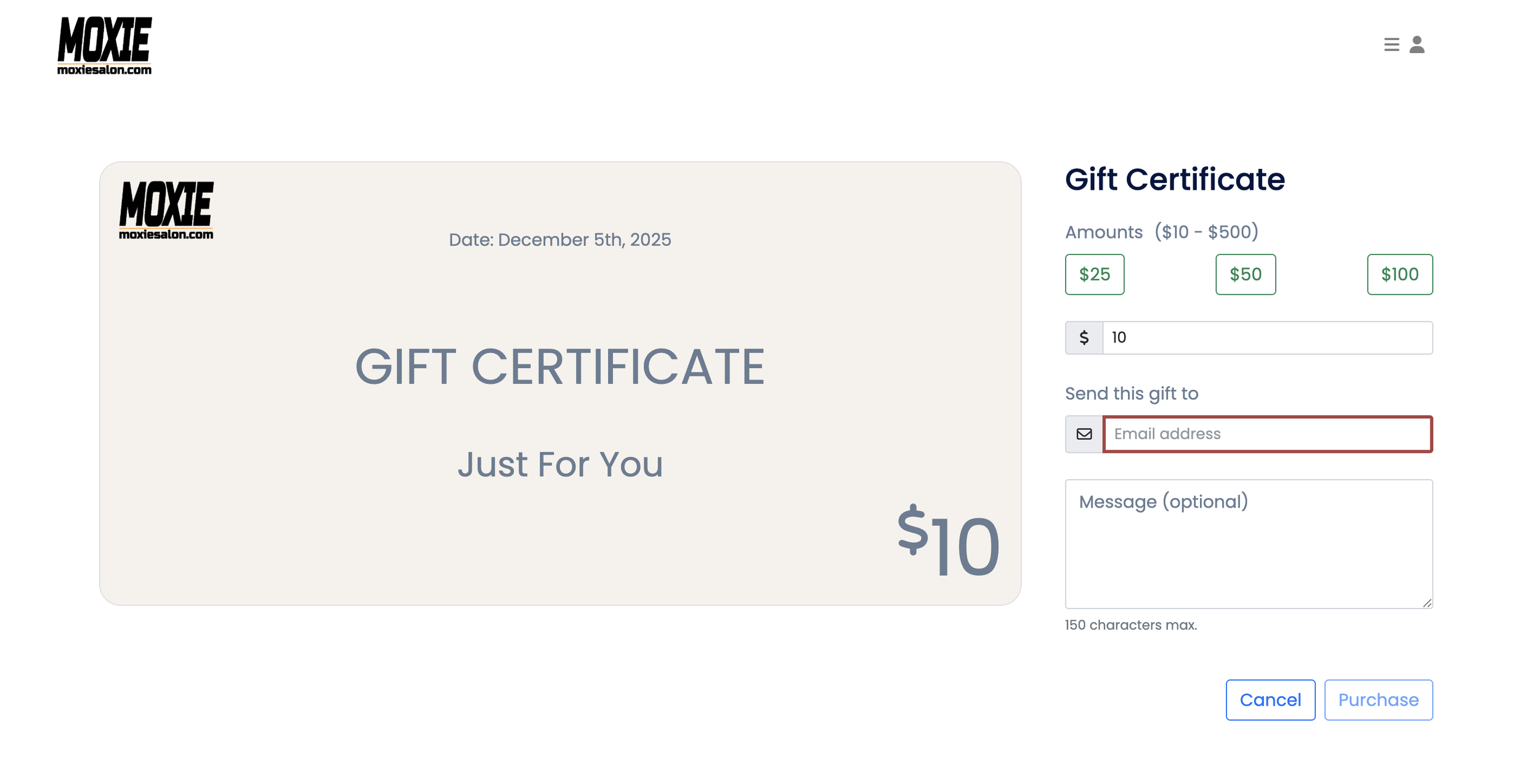
9. Review your purchase.
10. Click on Select payment
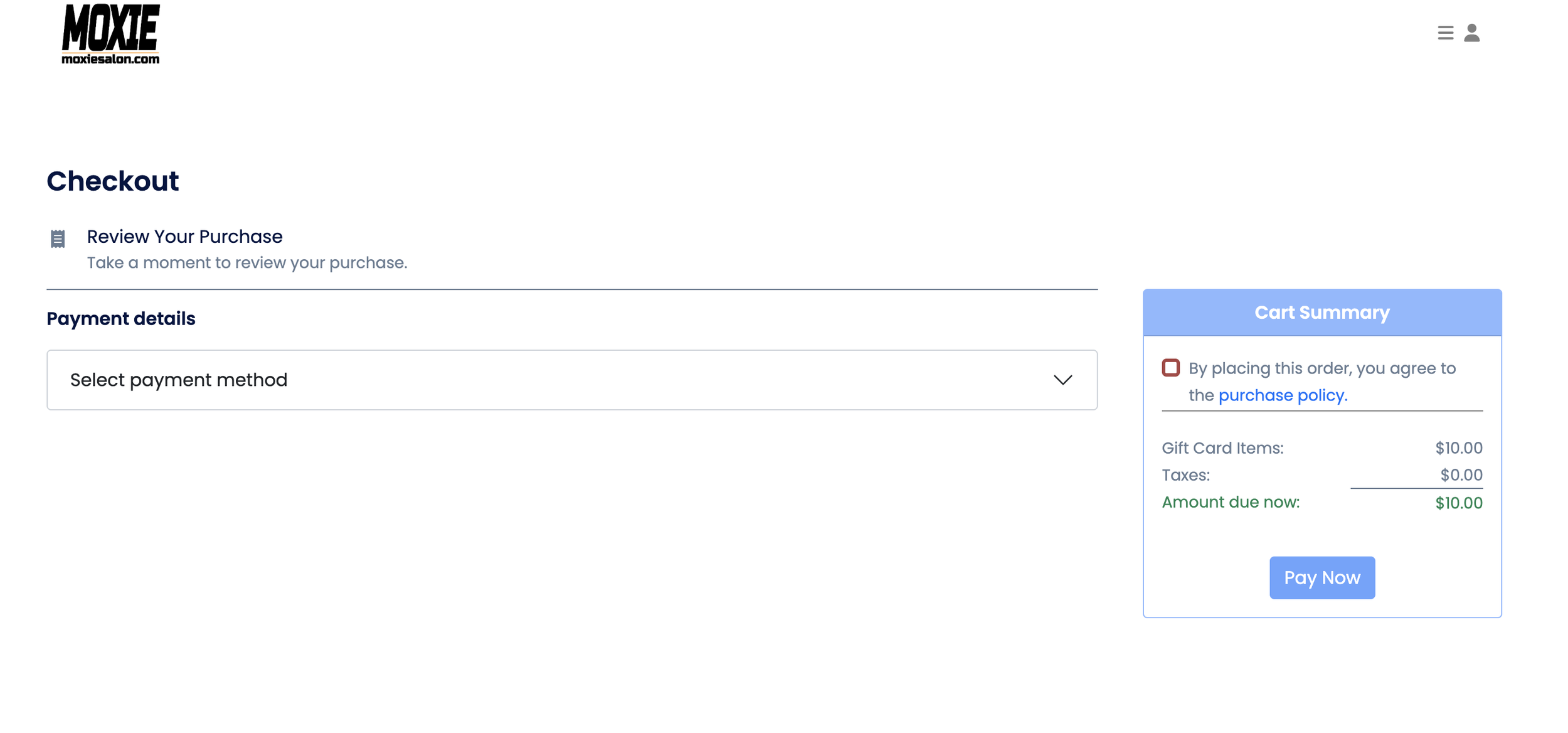
11. Click on saved Payment or add credit card.
12. Make sure to fill out all info for credit card when adding the information
13. Click and mark the purchase policy after looking at them.
14. Click “Pay Now”
15. Your Gift card has been sent.
